
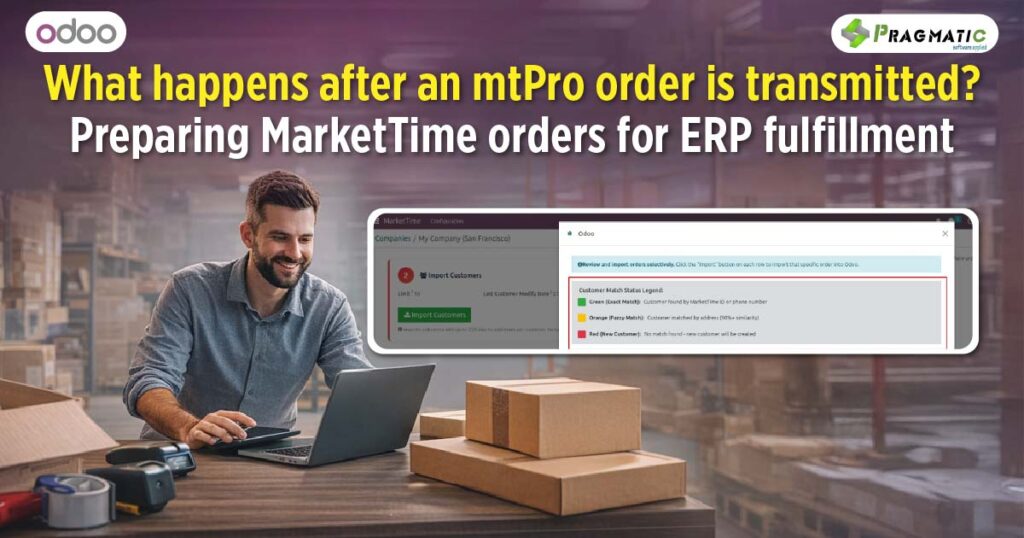
For most wholesale brands using MarketTime today, writing and submitting orders is no longer the time – consuming process it once was.
Sales teams can walk into a buyer meeting with an iPad, pull up updated product catalogs, create a purchase order instantly and transmit it from mtPro before leaving the store.
Retailers can browse branded B2B storefronts and place orders at their convenience without waiting on a rep’s visit.
In many ways, MarketTime has solved one of the biggest problems wholesale businesses used to face – capturing demand efficiently.
But once those mtPro orders are transmitted, a different kind of work begins internally.
Because while your sales team may have moved on to the next appointment, your operations, finance or warehouse teams now have to prepare that incoming order inside your ERP system before it can move toward fulfillment.
And this is where many growing MarketTime sellers begin to notice friction in their backend workflows.
MarketTime is designed to help manufacturers, brands and sales agencies digitize their selling process.
Using tools like mtPro and B2B ordering portals, teams can :
This creates a consistent and structured way to capture customer demand across different sales channels.
However, once an order is transmitted, it doesn’t automatically become ready for fulfillment inside your organization.
Instead, it typically needs to be retrieved through exports, batch delivery, accounting software imports, or API-based integrations before your internal systems can begin processing it.
Which means transmitted orders often arrive as external data that must be aligned with existing ERP records before execution can begin.
Every transmitted MarketTime order represents an incoming commitment that needs to be prepared operationally before any warehouse activity or invoicing takes place.
Internally, this may involve :
👉Matching the retailer to an existing customer record inside ERP
👉Verifying billing and delivery locations
👉Ensuring the correct ship-to address is selected
👉Checking that the ordered items exist within the ERP catalog
👉Confirming payment terms
👉 Assigning the order to the appropriate sales team
👉 Reviewing the purchase order to prevent duplication
While these steps are essential for maintaining order accuracy, they are often carried out manually by internal teams – particularly when orders are retrieved using CSV exports or batch delivery methods.
As order volume increases, the amount of time spent preparing transmitted MarketTime orders inside ERP systems begins to grow significantly.
Many MarketTime sellers initially rely on exporting transmitted purchase orders into their ERP or accounting platforms using formatted files.
While this approach works during early growth stages, businesses often encounter operational challenges such as :
Over time, these inconsistencies begin to affect downstream processes such as inventory planning, procurement decisions, invoicing timelines and fulfillment scheduling.
Rather than accelerating operations, manual preparation of transmitted MarketTime orders may begin to introduce delays that impact customer delivery commitments.
Before an order can move into fulfillment workflows inside ERP systems, it must first be prepared in a way that aligns with internal operational data.
This includes ensuring that :
Once these elements are aligned, ERP-driven workflows such as inventory allocation, invoicing, procurement planning and dispatch scheduling can proceed with greater accuracy.
Automating the preparation of transmitted MarketTime orders inside ERP allows internal teams to maintain consistency across customer, product and financial data without manual intervention.
As wholesale brands grow, they often find themselves managing :
At this stage, simply capturing orders digitally is no longer sufficient to maintain operational efficiency.
ERP systems become essential for :
Connecting MarketTime with ERP platforms allows transmitted orders to move into backend workflows aligned with these operational requirements.
Integrating MarketTime with ERP systems like Odoo enables transmitted purchase orders to be prepared internally without requiring manual data entry.
Incoming orders can be aligned with –
Once prepared inside ERP as ready-to-review quotations, operations teams can initiate fulfillment workflows more efficiently.
This allows MarketTime to continue supporting order capture, while ERP systems handle execution-related processes within the organization.
MarketTime has significantly improved how wholesale sellers capture demand through mtPro and B2B ordering portals.
However, preparing transmitted purchase orders for fulfillment remains an important internal step for maintaining operational consistency as businesses grow.
Pragmatic Techsoft has developed the MarketTime Integration for Odoo to support this transition by enabling incoming MarketTime orders to be prepared inside ERP environments before fulfillment workflows begin.
By connecting MarketTime with Odoo, wholesale brands can align their sales capture processes with backend execution systems responsible for inventory planning, financial reporting and dispatch scheduling.
If your internal teams are currently preparing transmitted MarketTime orders manually inside ERP platforms, it may be worth exploring how integration can streamline this process.
You can connect with our team to learn more or schedule a demo to understand how this integration supports wholesale order execution.
MarketTime allows transmitted orders to be retrieved electronically, but ERP preparation typically requires integration.
To align transmitted orders with internal customer records, product catalogs, and financial workflows.
No, it complements mtPro by preparing transmitted orders for backend execution.
Yes, aligning incoming orders with existing ERP data helps maintain consistency.
As order volume increases and manual preparation begins affecting fulfillment timelines.





Leave a Reply
You must be logged in to post a comment.