
Introduction
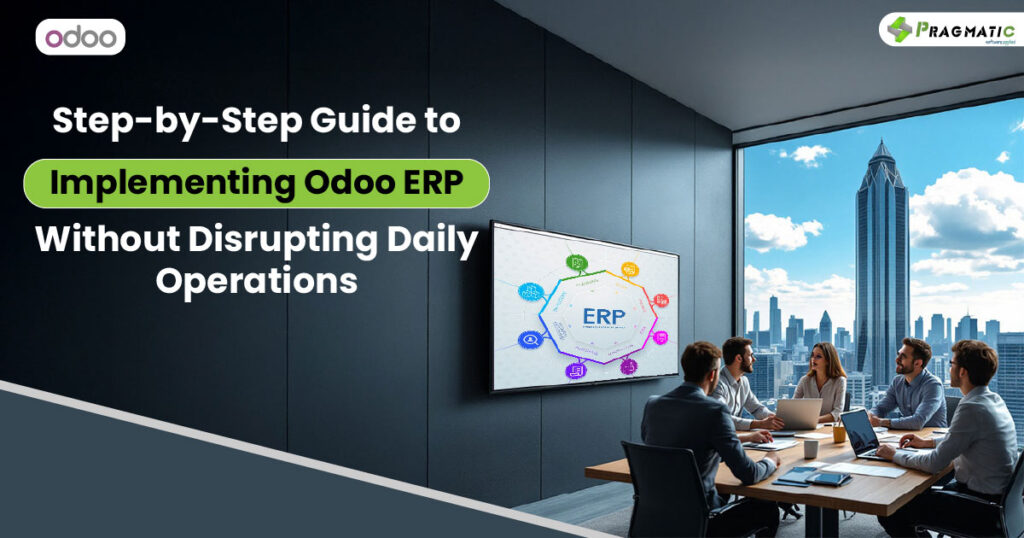
Running a business efficiently requires tools that streamline processes, enhance productivity, and provide real-time data insights. Odoo ERP (Enterprise Resource Planning) stands out as one of the most versatile ERP systems available. It offers extensive functionality and customization, making it suitable for businesses of all sizes. However, implementing Odoo ERP can seem daunting, especially if you’re concerned about interrupting daily operations. This guide explains how to implement it effectively.
What is Odoo ERP?
Odoo ERP is an all-in-one business management software that integrates various core functions like HR, inventory, sales, accounting, and customer relationship management into one platform. Its modular design allows businesses to start small and scale up functionality as needed.
Steps in Odoo ERP Implementation
- Requirement Analysis: Evaluate your business’s specific needs.
- Planning: Create a step-by-step roadmap to determine timelines and responsibilities.
- System Design: Tailor the system to align with your company’s workflow.
- Data Migration: Transfer existing data from legacy systems securely.
- Testing: Test the configured system to ensure it functions as expected.
- Training: Train employees to use the new software effectively.
- Go-Live and Support: Launch the system in a gradual manner and monitor its performance.
Benefits and Features of Odoo ERP
Advantages of Odoo ERP for Businesses
Odoo ERP centralizes operations, enabling businesses to save time by automating repetitive tasks. Its scalability is ideal for both startups and large enterprises. Additionally, it provides real-time analytics, improving decision-making.
Key Features of Odoo ERP
Odoo ERP’s features include:
- Inventory management
- CRM for tracking customer interactions
- Financial accounting modules
- Project management tools
- Human resources management
Customization Options Available in Odoo ERP
Odoo ERP supports tailored solutions to meet industry-specific requirements. You can adjust workflows, add custom modules, and integrate third-party applications.
Streamlining Operations with Odoo ERP
By automating workflows and improving inter-departmental communication, Odoo ERP ensures smoother operations. For example, alerts and dashboards keep teams informed, minimizing bottlenecks.
Industry-Specific Implementation of Odoo ERP
Odoo ERP in Manufacturing and Logistics
In the manufacturing sector, Odoo helps track production workflows while ensuring accurate inventory levels. Logistics companies benefit from its automation of shipping and fleet management processes.
Using Odoo ERP in Retail and eCommerce
Retailers can use Odoo to manage customer databases, handle large inventories, and simplify payment processing. eCommerce platforms benefit from Odoo’s seamless website and sales integrations.
Odoo ERP for Small Businesses
For small firms, its modular pricing makes it budget-friendly. They get access to enterprise-grade tools without overspending.
Industry-Specific Solutions for Healthcare and Construction
Healthcare providers use Odoo for scheduling, patient records, and compliance management. Construction firms can rely on it for project tracking and resource allocation.
Technical Aspects of Odoo ERP
Odoo ERP Modules and Features
Modules include accounting, sales, operations, marketing, and more. Users can start with essential modules and expand as needed.
Integration and Customization Options
Odoo integrates easily with tools like QuickBooks, Shopify, and Google Workspace, making it flexible. Custom APIs allow even more tailored integrations.
Hosting and API Requirements
You can choose between on-premises hosting or cloud hosting services. APIs ensure smooth data transfer between systems.
Strategies for Successful Implementation
Steps to Implement Odoo ERP
- Start with a detailed project plan.
- Focus on high-impact areas for initial deployment.
- Maintain clear communication among stakeholders.
Avoiding Common Implementation Mistakes
Lack of training can derail any ERP project. Ensure employees understand their roles in the system transition.
Migrating to and Adopting Odoo ERP
Use gradual implementation to avoid chaos. Migration tools can ensure a smoother data transfer process.
Challenges and Solutions in Odoo ERP Implementation
Common Challenges and Risks
Resistance from employees and unclean legacy data can hinder success. Address these early through open discussions and data audits.
Data Migration and Adoption Issues
Pre-plan data cleaning and backup. Adoption challenges can be managed by emphasizing employee involvement and feedback mechanisms.
Practical Solutions for Implementation Issues
Pilot testing and phased rollouts allow adjustments without major disruptions.
Future of Odoo ERP
Emerging Technologies and Trends
AI-driven analytics and IoT integrations are on the horizon for Odoo, expanding its capabilities further.
Future ERP Requirements for Businesses
Scalability and data security are set to become primary factors for selecting future ERP systems, making Odoo’s roadmap promising.
Conclusion
Implementing Odoo ERP is a strategic move for any company striving for efficiency and growth. While the process involves planning, training, and adaptation, the benefits far outweigh the challenges. A well-executed implementation can help businesses streamline operations, cut costs, and stay competitive in their industry.