
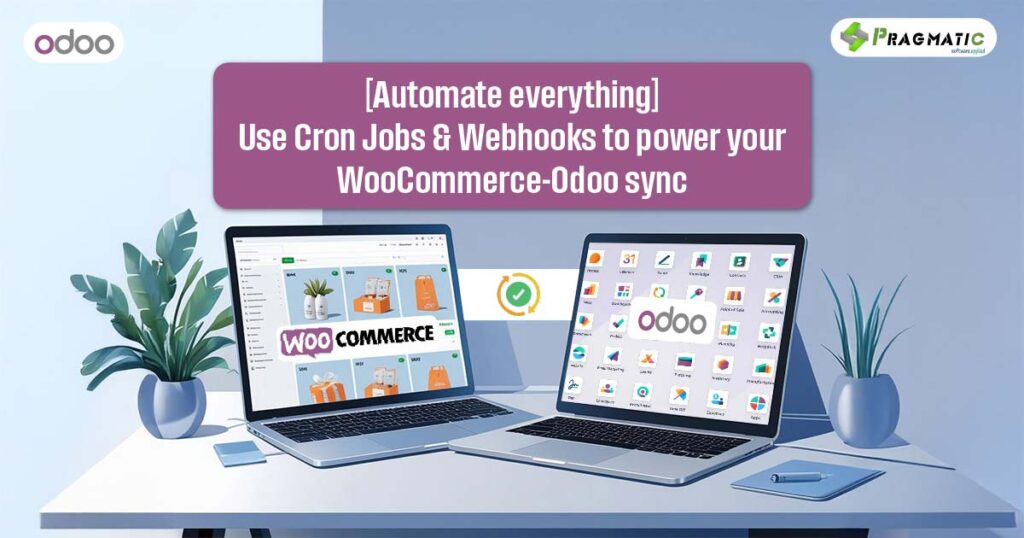
Why manual sync is a thing of the past
There’s a hidden tax on your eCommerce business.
It doesn’t show up on your balance sheet. But it costs you money, time and sometimes – customers.
It’s the price of manual syncing.
Every time you copy data from WooCommerce to Odoo… Every time a refund doesn’t reflect instantly… Every time stock levels go out of sync and overselling happens…
You’re paying that tax.
Now imagine a world where your WooCommerce and Odoo systems are not just integrated – but alive.
Orders sync as they happen. Stock adjusts in real time.
Customer data flows without friction.
This isn’t wishful thinking.
This is the power of automation — with Cron Jobs and Webhooks at its core.
In this guide, you’ll learn –
Why real-time automation is a game-changer for growing brands
How to use cron jobs and webhooks (the right way)
When to use each — and why the smartest companies use both
If you’re tired of reconciliation hell and ready to scale without chaos – keep reading.
This is the sync strategy your eCommerce stack has been missing.
What are cron jobs and webhooks? (and why you need both)
🔁Cron Jobs
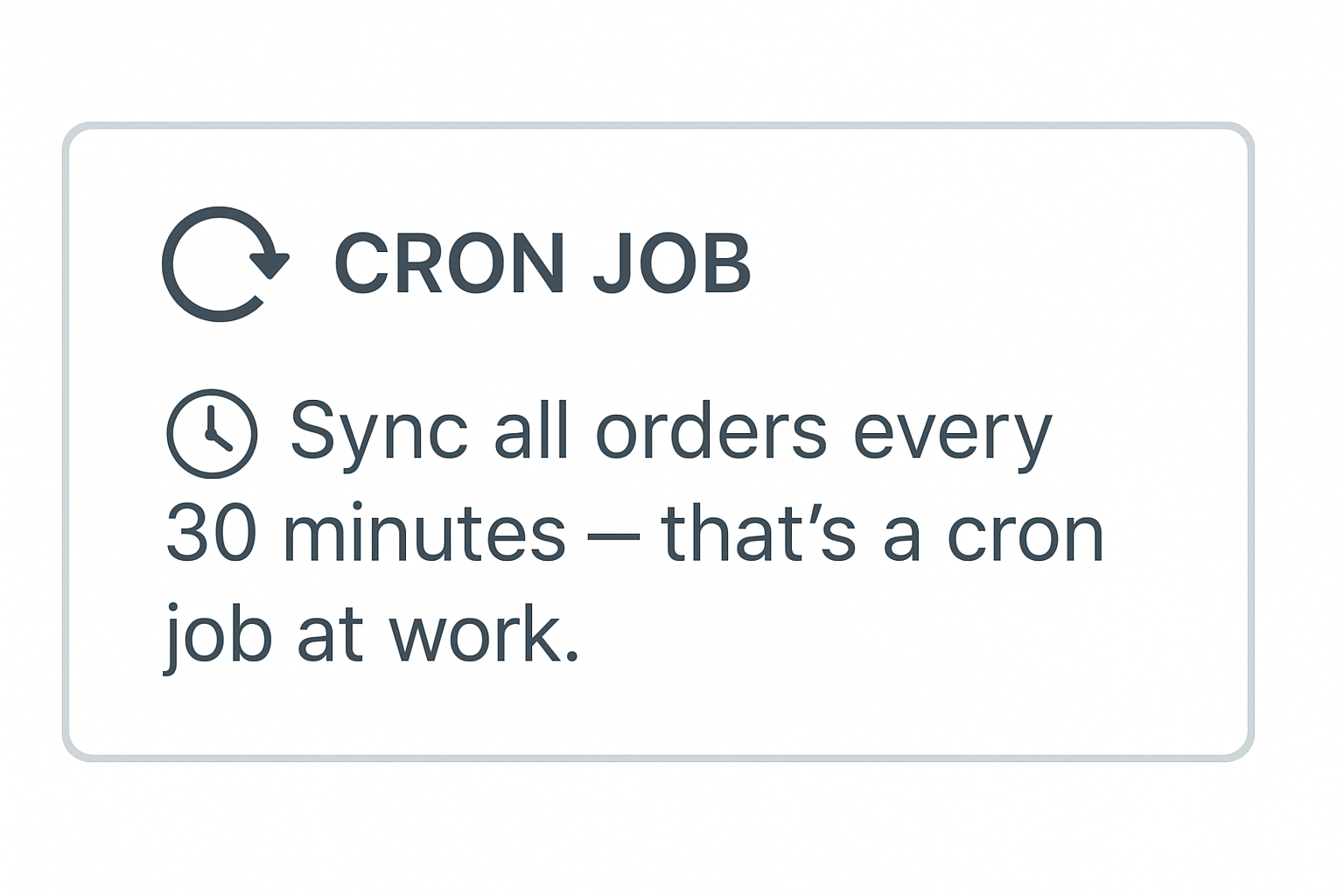
Cron Jobs are like dependable office assistants that come in every hour (or at whatever time you tell them) and ask, “Need anything updated?” They run at fixed intervals to fetch or push data between systems – be it sales orders, product lists or shipping methods.
⚡Webhooks
Webhooks are more like overachievers – they don’t wait for instructions. When something happens (like a new order placed in WooCommerce), they automatically trigger an action in Odoo in real-time.
No delay. No asking. Just done.
| Feature | Cron Jobs | Webhooks |
| Trigger Type | Time-based | Event-based |
| Real-Time | Scheduled | Instant |
| Use Case | Bulk updates, non-critical sync | Urgent updates like orders |
| Control | High (can be throttled or delayed) | Reactive and instant |
The best part? Odoo WooCommerce Connector Advanced by Pragmatic Techsoft supports both – giving you flexibility and full control.
Benefits of Automating Odoo-WooCommerce Sync
Automation isn’t just about saving time — it’s about avoiding chaos. Here’s what you get when you automate with cron jobs and webhooks:
🚀 Real-Time Operations
New order? Customer refund? Product update? Get it synced instantly.
🧠 Zero Manual Entry
No more copy-paste. Say goodbye to typos, duplication, and missing data.
🔄 Consistent Inventory Across Stores
Update stock once, reflect it everywhere. No more overselling.
📉 Lower Operational Costs
Free your team from grunt work. Focus on growth, not syncing.
🧩 Better Customer Experience
Fast fulfillment, accurate status updates and on-point inventory builds customer trust.
Setting Up Cron Jobs in Odoo
Ready to bring your sync on autopilot? Here’s how to schedule cron jobs in Odoo for WooCommerce data.
🛠️ Steps
- Go to Scheduled Actions
In Odoo, navigate to Settings > Technical > Scheduled Actions. - Create New Cron
Set the action name, select the related model (like sale.order), and choose the method to run. - Set the Frequency
Every 15 mins? Hourly? Choose what works best for your sync volume. - Activate and Save
Toggle it actively. Done. You’ve got a scheduled data sync.
✅ Pro Tips :
- Sync high-volume data (like orders) more frequently.
- Monitor logs regularly to avoid sync failures.
Using Webhooks for real-time updates
With webhooks, you’re not scheduling syncs — you’re reacting instantly to customer actions.
⚙️ Steps to Setup Webhooks in WooCommerce –
- Go to WooCommerce > Settings > Advanced > Webhooks
- Click “Add Webhook”
- Choose:
- Status: Active
- Topic: e.g., Order Created / Customer Updated
- Delivery URL: Odoo endpoint
- Save and you’re live!
💥 Real time use cases would see :
- Order Placed → Order Created in Odoo Instantly
- Stock Change in Woo → Inventory Updated in Odoo
- Refund Issued → Reflected in Both Systems
No delay. No downtime. Just business — flowing.
When to use what | Cron Jobs vs Webhooks
You might be wondering, “Can’t I just use one of them?”
Not really. Here’s why smart businesses use both:
Use Cron Jobs When
- Syncing large datasets (e.g., full catalog)
- Doing less critical updates like shipping or tags
- You want scheduled control (e.g., sync every midnight)
Use Webhooks When
- You need real-time actions (orders, refunds, coupons)
- Syncing time-sensitive data
- Reducing customer wait times and support overhead
The Odoo WooCommerce Connector Advanced combines both, giving you the best of speed and stability.
E-commerce doesn’t wait. Your systems shouldn’t either.
With Cron Jobs handling the bulk sync and Webhooks reacting instantly to critical events, your WooCommerce-Odoo setup becomes a well-oiled machine.
No lost orders. No stock surprises. No customer complaints.
Just smooth sync, happy customers and a business that runs itself.
✨ Want to see it in action? Book a free demo with our Odoo experts or schedule a free consultation – no commitment call!
FAQs
1. Can I use only webhooks and skip cron jobs?
Technically, yes — but cron jobs handle regular batch syncs and data that doesn’t trigger events. Best to use both for full coverage.
2. Do I need a developer to set this up?
Not necessarily. Our connector offers user-friendly dashboards and pre-built sync flows. Though for complex setups, developer support helps.
3. What if a webhook fails or is missed?
That’s why cron jobs are the backup — they ensure nothing slips through the cracks.
4. Is this setup scalable for multiple stores?
Absolutely. Our connector supports multi-store and multi-company environments — built for growing brands.
5. How secure are webhooks and cron jobs?
Very secure. You can configure secret keys, HTTPS URLs, and access-controlled endpoints.