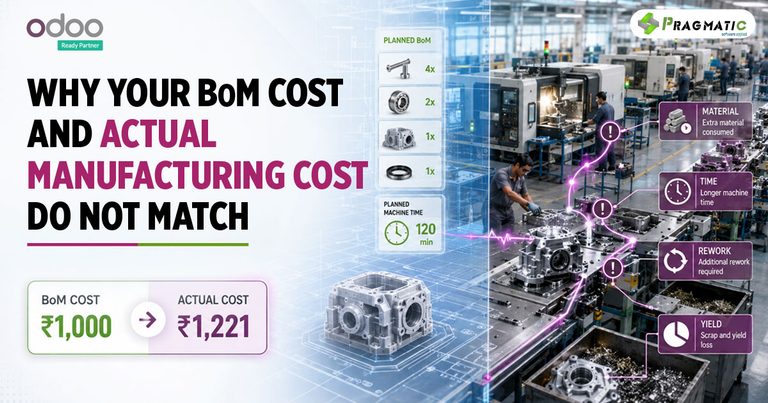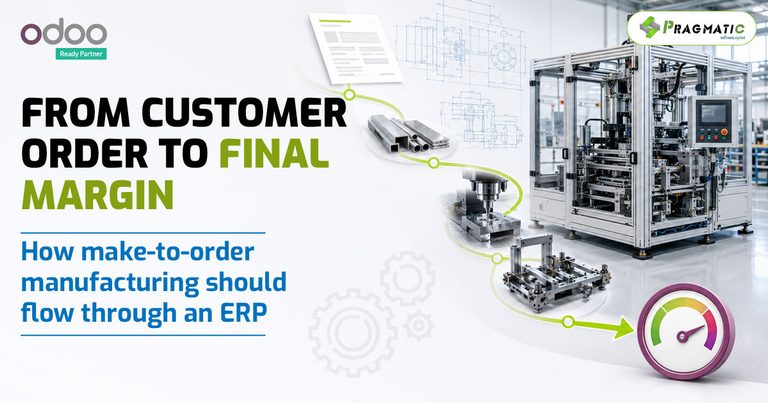


Now, with Odoo 17, managing this plan has become a breeze. Odoo 17’s BoM Management feature allows you to easily create and update your BoM, making sure your manufacturing stays on point even when needs change.
This isn’t just good news for the pros; if you’re new to Odoo, you’ll find jumping into smoother manufacturing is easy-peasy.
This blog is your gateway to understanding how Odoo 17 makes managing BoM straightforward and how this can transform the way you make products.
Ready to dive in? Let’s go!
Understanding BoM in Odoo 17
Creating a BoM
- Click on Inventory > Products to choose the product you want to plan for.
- Hit the Bill of Material tab.
- Press the Create button.
- Fill out the form with the necessary info like what kind of BoM you’re making, which product it’s for, and the materials needed.
- Hit Save when done.
Updating a BoM
- Go back to Inventory > Products and pick your product.
- Click on the Bill of Material tab.
- Select the BoM you want to tweak and hit Edit.
- Make your changes and press Save.

Our Manufacturing Module is a powerful add-on to Odoo 17, making BoM management and other processes even more effective.
Odoo’s BoM Management feature is a big step towards hassle-free manufacturing.
With the expertise of Pragmatic Techsoft, transitioning to Odoo 17 is a smart move for any manufacturer aiming for the stars.
Stay tuned to our blog for more on how Odoo 17 can revolutionize your manufacturing game!