


Pragmatic has developed an app for project scheduler / Gantt view for all resource and process owner, they can track and create resource wise task on the fly and can track the scheduled timeline.
Pragmatic has developed a new scheduler view on top of odoo project tasks. So that you can leverage the default functionality of Odoo along with scheduler view.
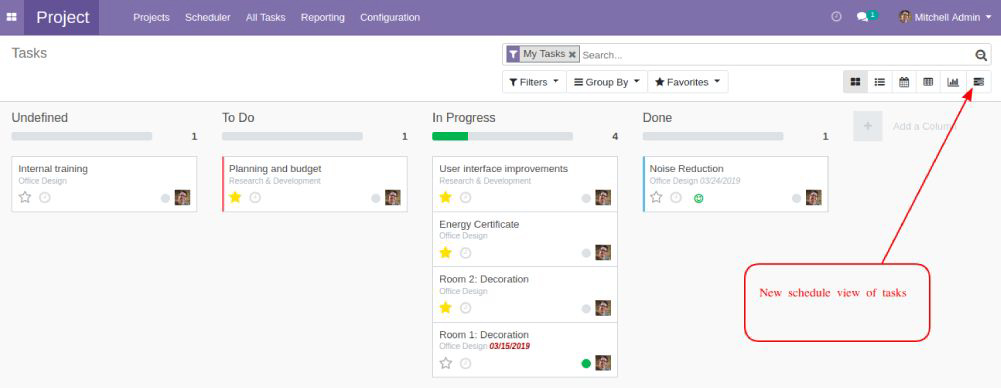
Project scheduler view for ‘My Team’

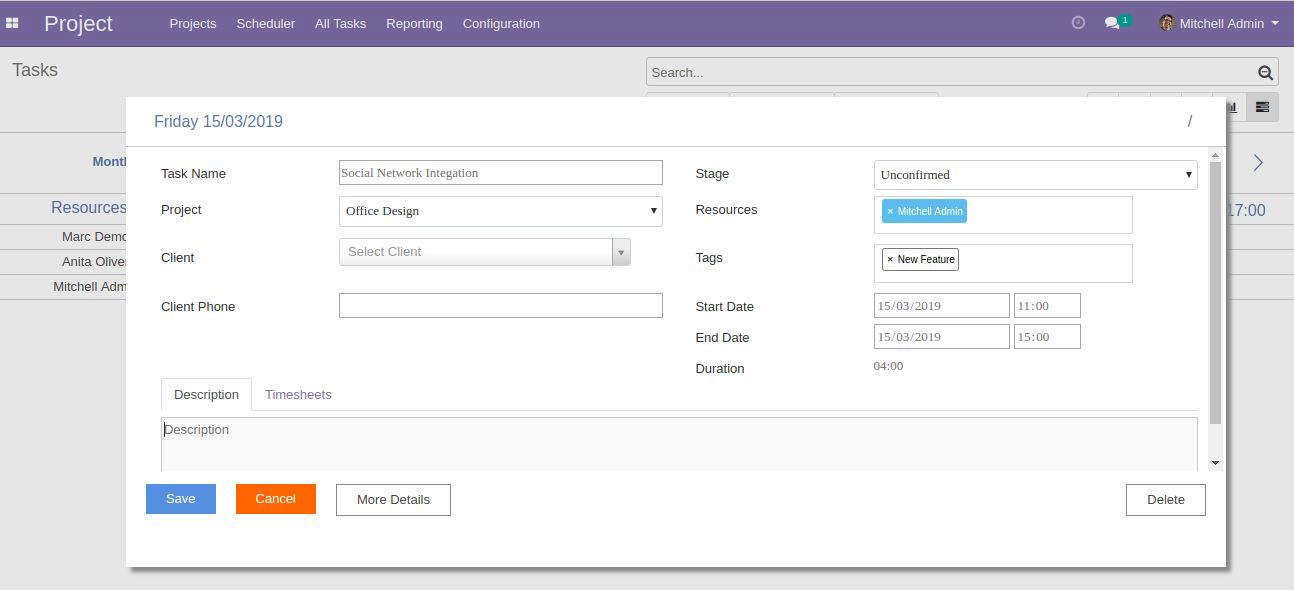
Create task using drag and drop for any resource
Click and drag using mouse on any resource timeline to add new task, it will open the task details form as below:
Month / Week / Day wise view
User can see the monthly/weekly/daily schedule of the resources.

Task status wise color code is viewed on scheduler, user can set different color for each stage of the task.
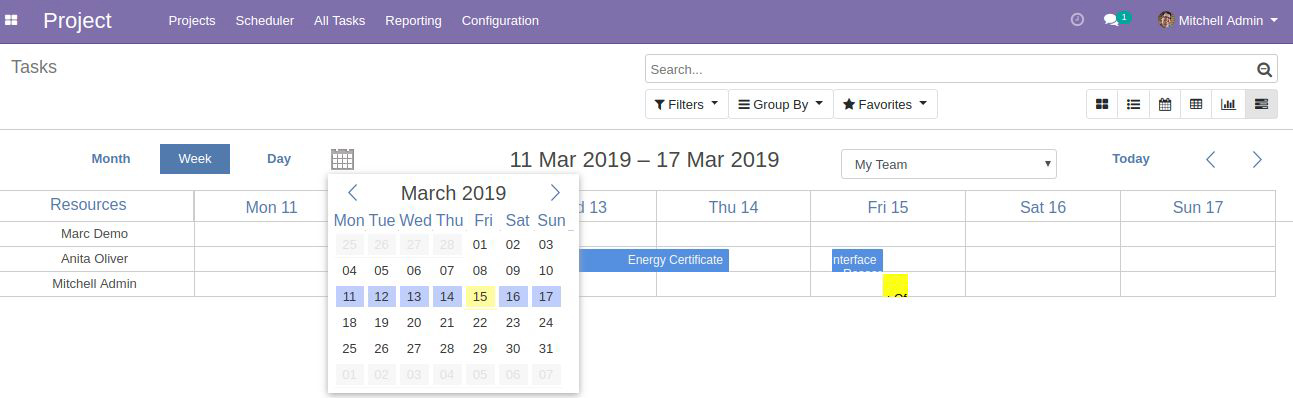
Easy navigation to any desired date
You can see the schedule view for any date, simply clicking on calendar button on scheduler view.
Employee Timesheet
Employee can fill their daily timesheet for their tasks through the scheduler

For further information and support please contact Pragmatic Techsoft Pvt. Ltd support desk or send your requirements on sa***@*********co.in