
1] Floor and Table Configuration:
Configure floors and tables of your restaurant under ‘Point of Sale->Configuration->Floor Plans’ menu.

2] Access your website and select reservation menu.
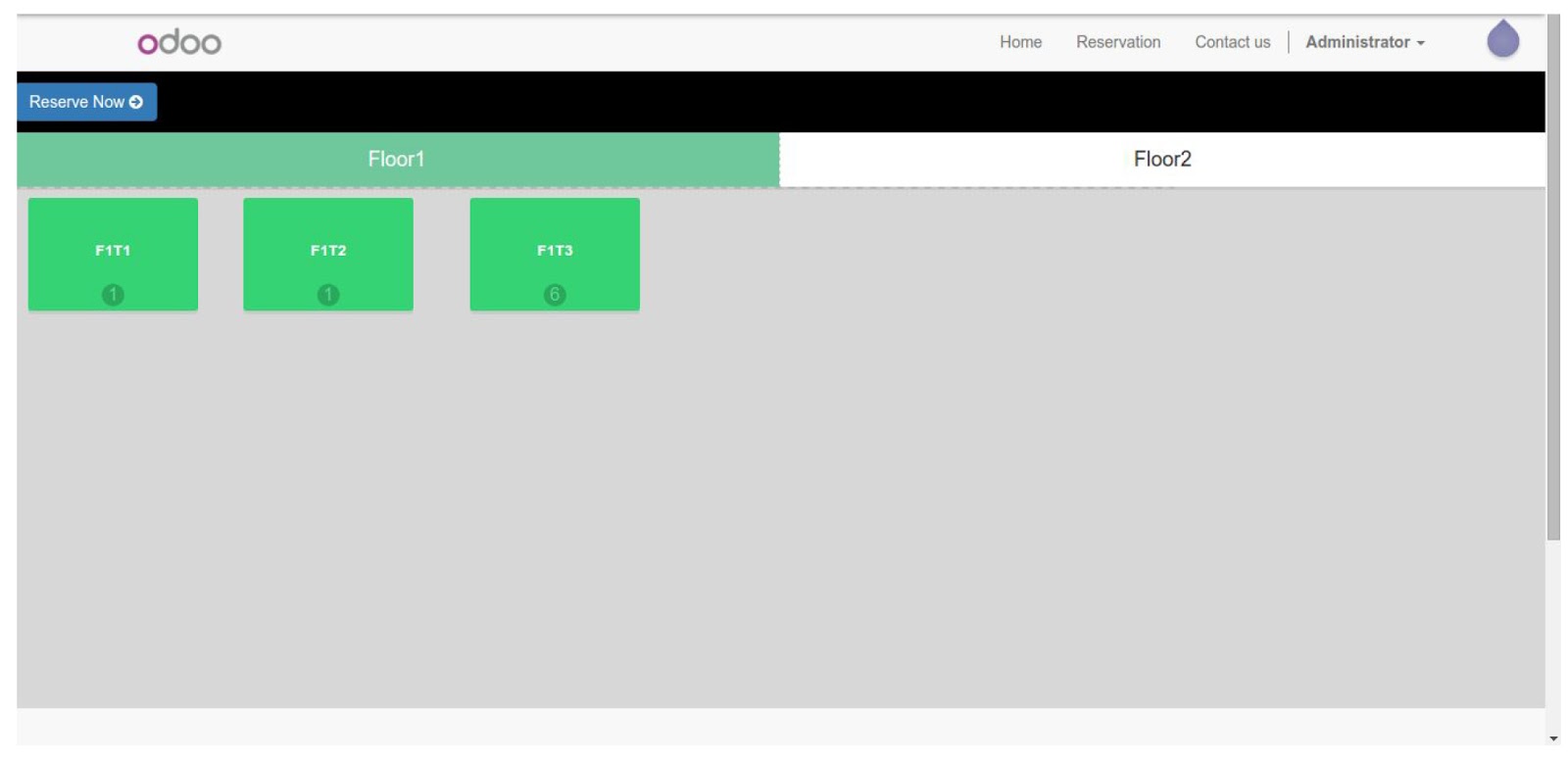
3] Select tables which you want to book.
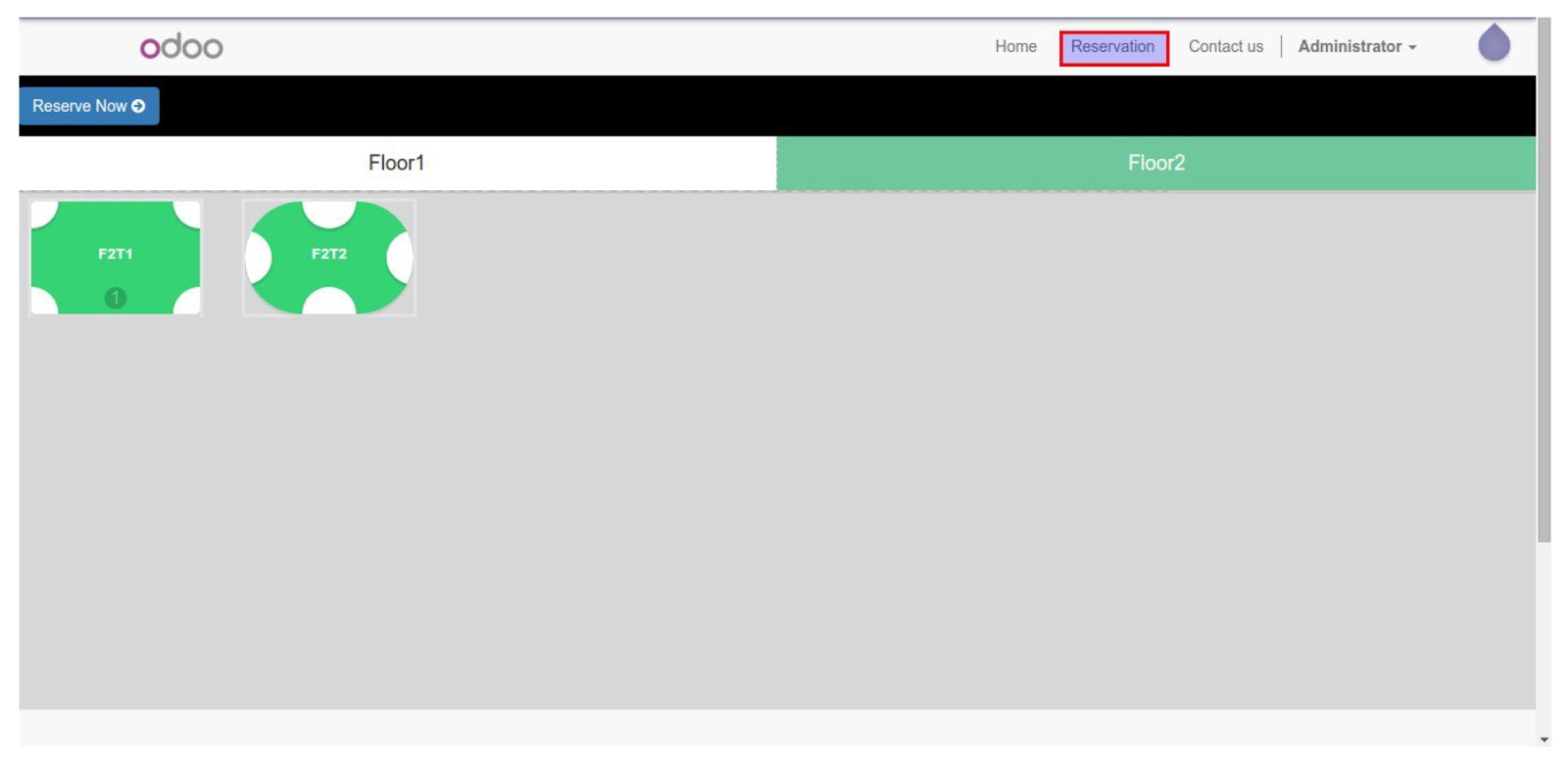
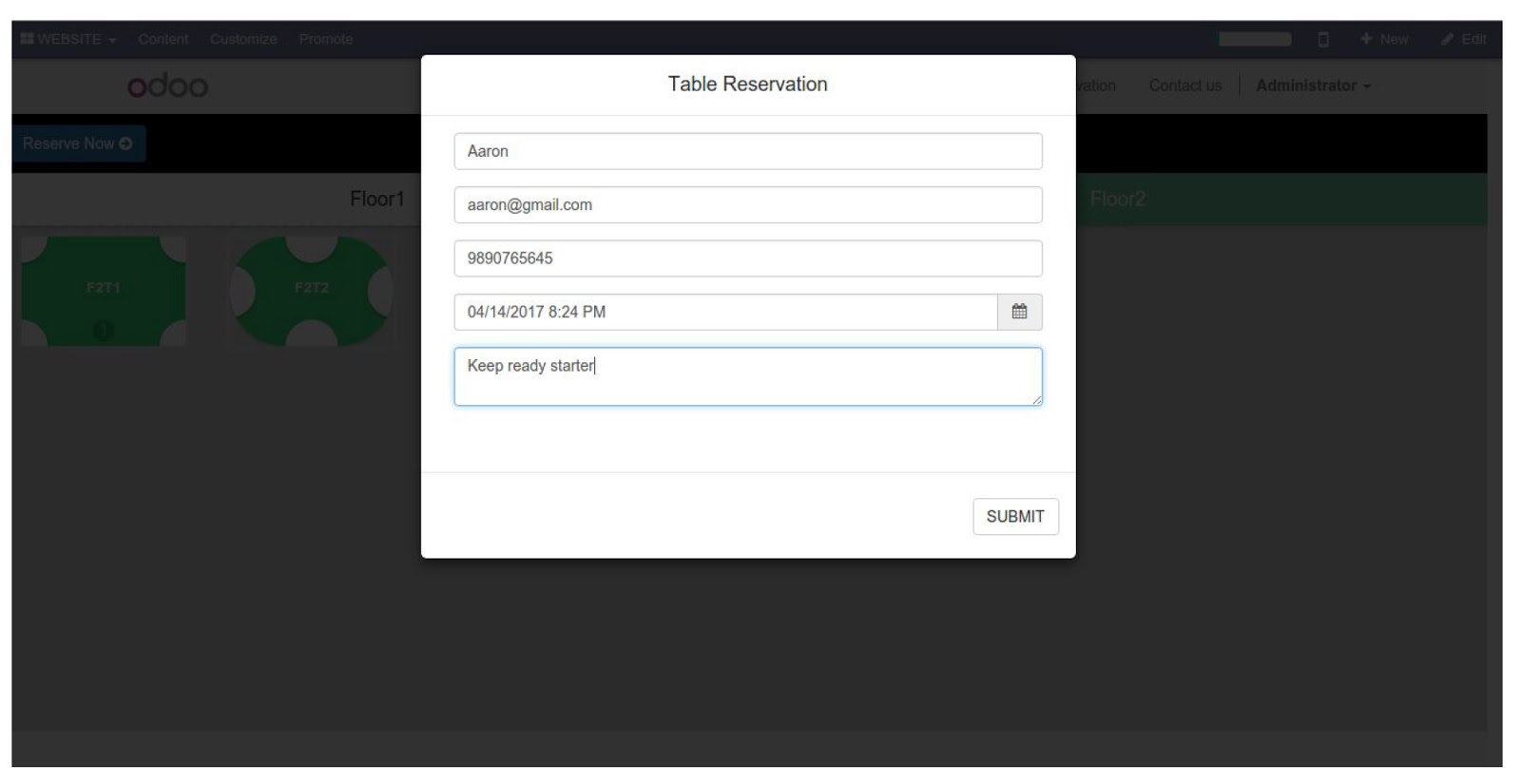
4] Click on ‘Reserve Now’ button and fill up reservation form and click on ‘Submit’ button.
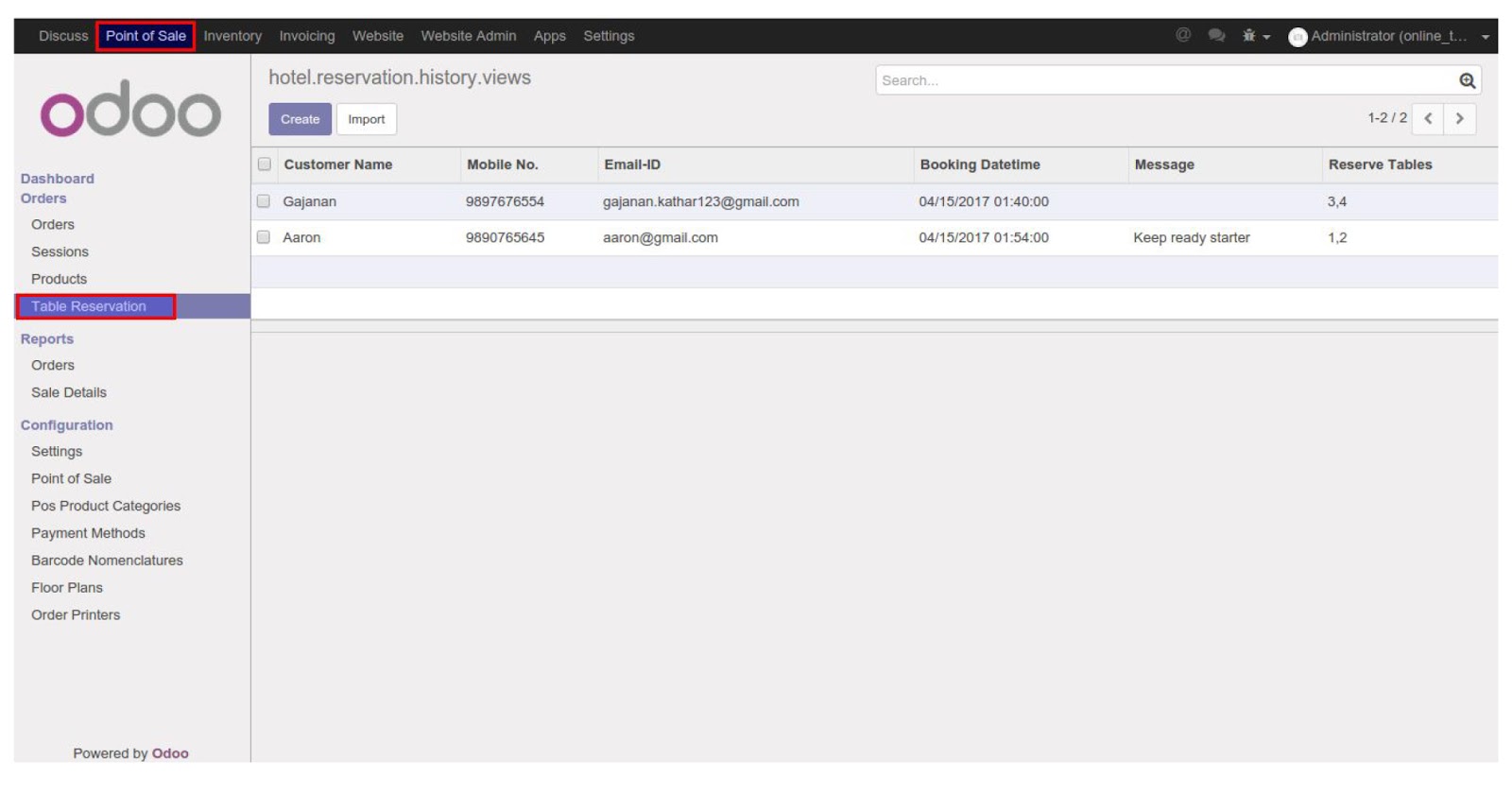
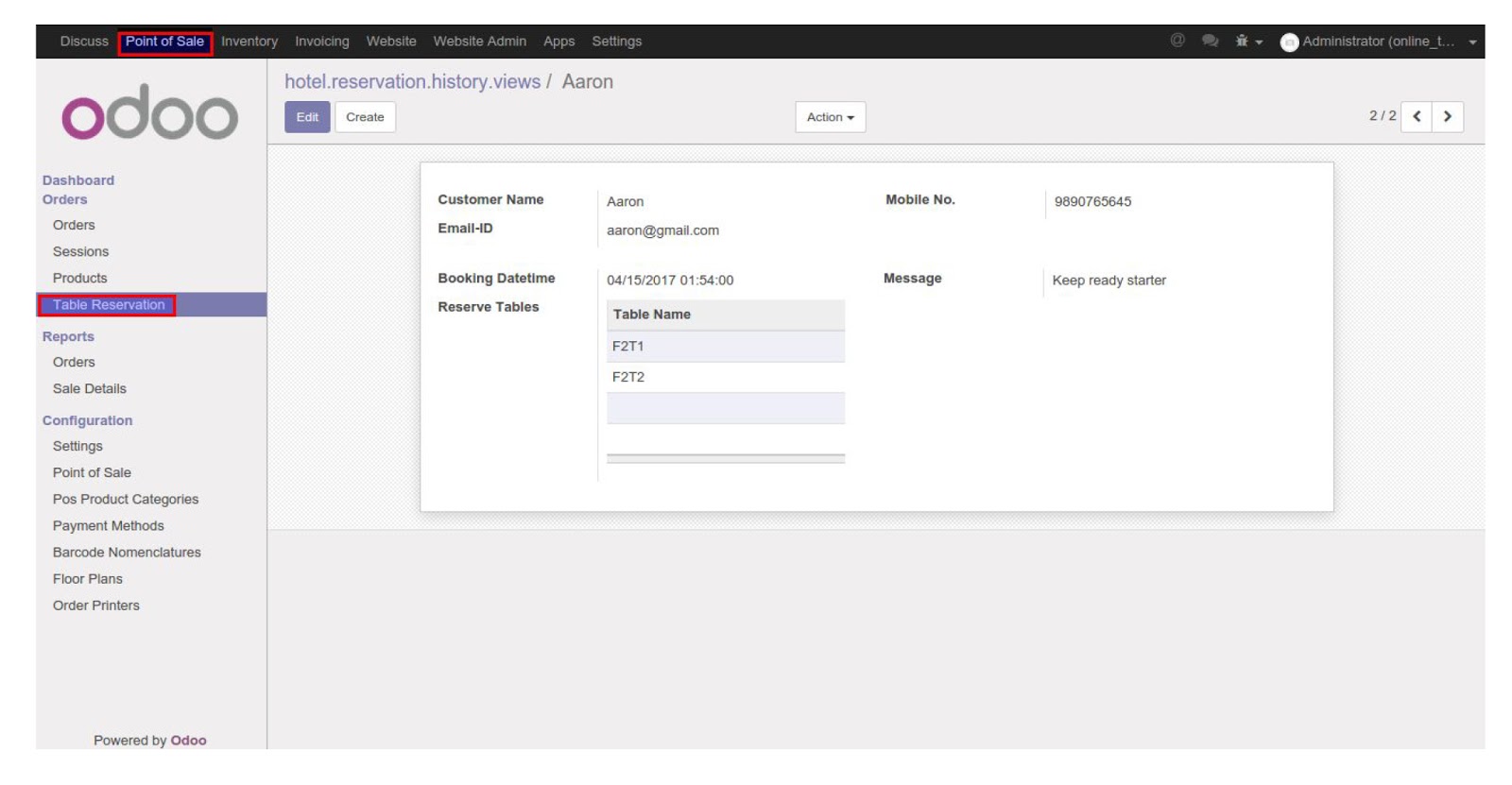
5] Login with admin access you will find table reservation entry under ‘Point of Sale -> Orders -> Table Reservation’